Earlier this year we built an AI marketing agent that took over weekly client reporting for a digital marketing agency managing roughly 25 accounts. Before the build, reporting consumed about 50 hours of team time every week. After it stabilized, the human workload dropped to roughly 5 to 7 hours, mostly review and edge cases. This is the exact process I would use to build that system again from scratch.
What does it take to build an AI marketing agent?
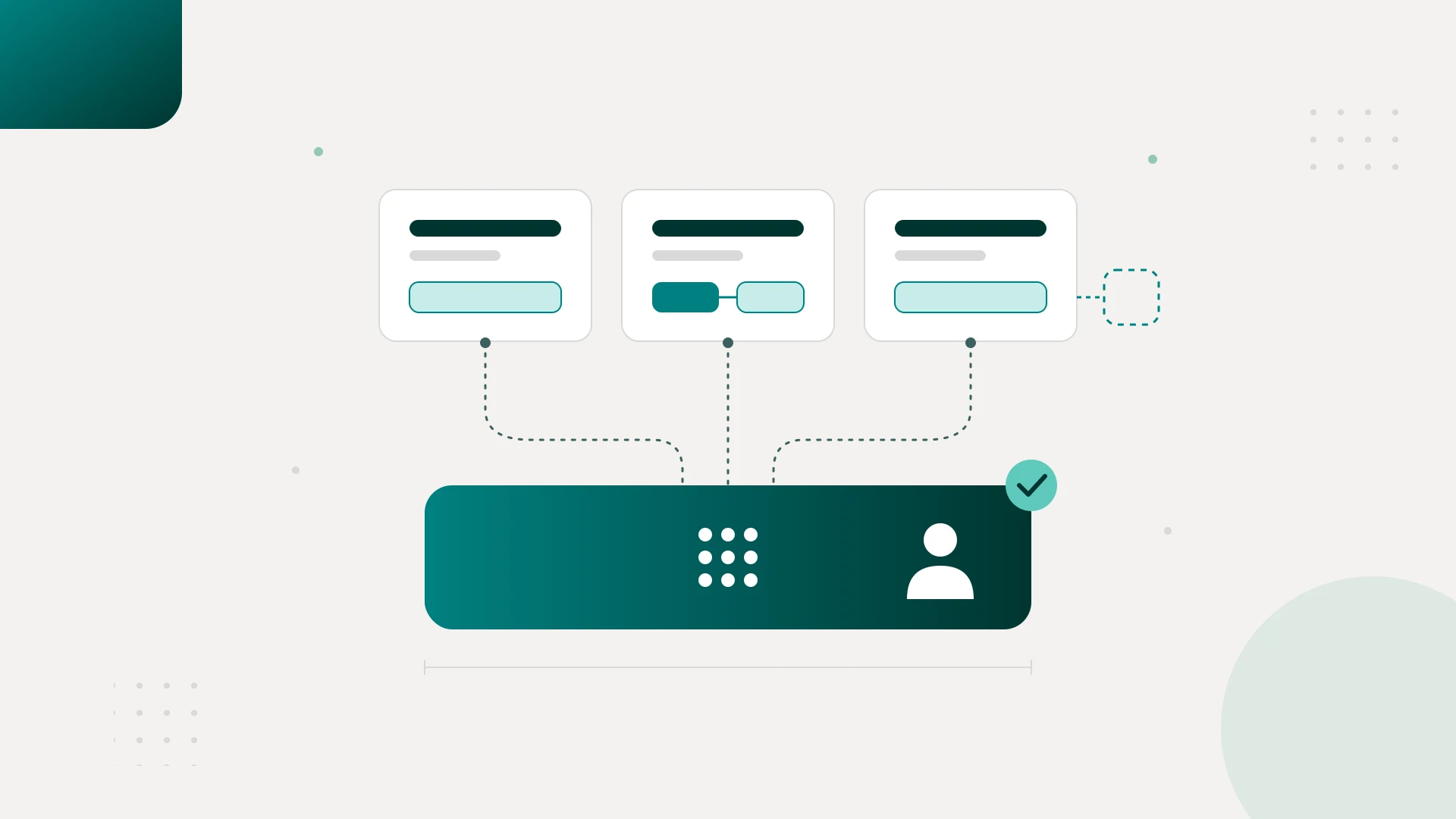
Building an AI marketing agent takes four layers: deterministic automation that fetches and validates data, code that calculates every metric, an LLM that interprets validated numbers and drafts commentary, and a human who approves the output. Expect 1 to 2 weeks for a single-client MVP and 4 to 6 weeks to reach production.
That answer compresses a lot of hard-won lessons, so let me unpack it with the build itself.
The system was a multi-client reporting agent. Every week it pulled data from Google Ads, Meta Ads, GA4, and Search Console, normalized the metrics, compared performance against previous periods and targets, flagged anomalies, drafted client-facing commentary, and routed the report to an account manager for approval before anything reached a client.
The workflow, simplified:
Trigger → Fetch data → Normalize → Validate → Calculate KPIs → Detect changes → Claude drafts commentary → Human review → Deliver report
Notice how late the AI shows up in that chain. That placement is the whole method.
Start by mapping the workflow, not by building the agent
Most tutorials teach agent-first: pick an LLM, give it tools, add memory, build a reasoning loop, deploy. I think that framing is backwards for an agency.
Start with one painful workflow and document what actually happens every Monday morning. For reporting, the manual version looked like this: log into each ad platform, export data, pull GA4 conversions, update the spreadsheet, calculate ROAS and CPA and CTR, compare against last week, find the meaningful changes, write commentary, send for review, revise, deliver.
Then classify every step into three buckets:
- Deterministic: software can do this reliably. Fetching data, cleaning it, calculating metrics, comparing periods, validating fields.
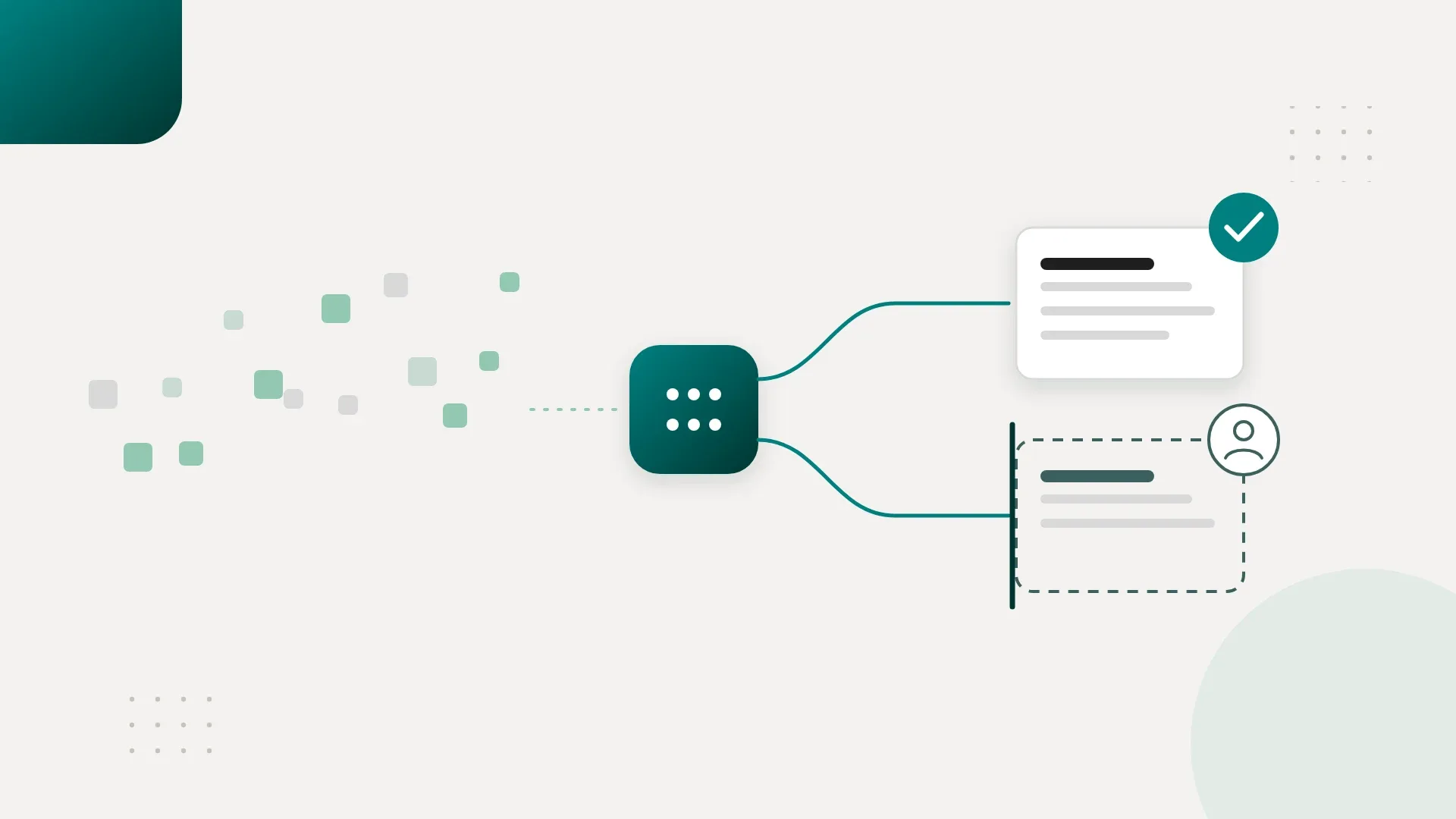
- AI reasoning: interpretation is required. Identifying which changes matter, explaining performance, drafting commentary.
- Human: being wrong has real consequences. Approving the final report, adding client context, handling unusual situations.
Run that classification honestly and you'll find most of the workflow lands in the first bucket. Fetching Google Ads data requires no intelligence. Calculating ROAS requires no intelligence. Comparing $84,210 with $79,100 requires no intelligence. Those steps should be plain software.
The agent earns its place at one narrow question: given these verified numbers and this client's goals, what deserves the account manager's attention?
Here is the position I'll plant a flag on. The best AI marketing agent has the least autonomy necessary to remove the most human work. Every decision you hand the model is a decision you now have to test, monitor, and recover from. If code can make a decision reliably, code makes it. If a rule can make it, the rule makes it. The model gets the decisions that genuinely require judgment. This is the core of AI systems engineering, and it's where the durable value sits.
The stack that survived production
At Tech Emulsion we settled on five pieces, each doing one job.
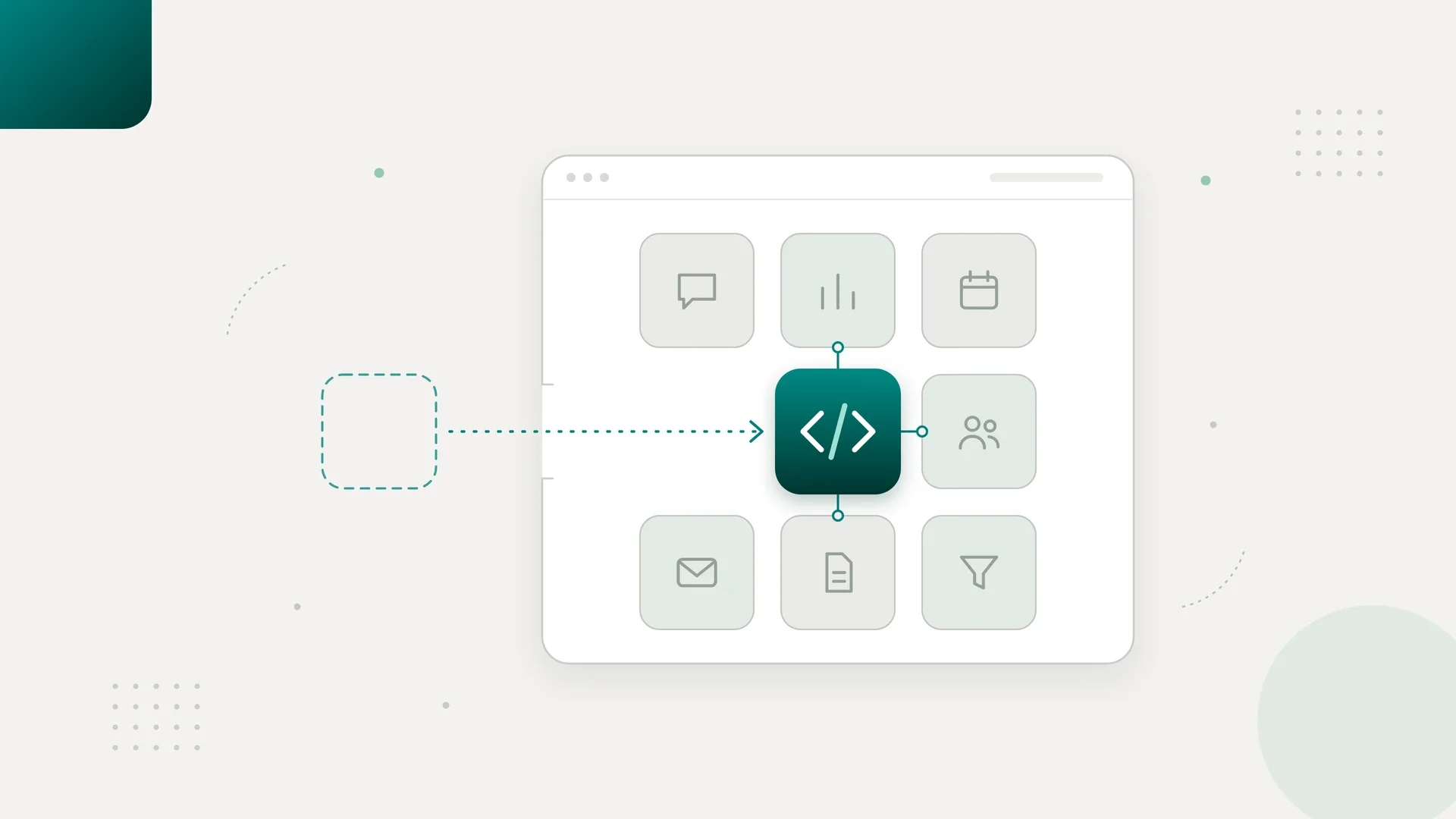
n8n handled orchestration: scheduled runs, API calls to the ad platforms, retries when third-party APIs failed, client-specific workflow configuration, Slack alerts, and triggering the AI step once data was ready. A visual workflow also means the agency team can inspect the system six months later and see exactly where a run stopped.
Custom Python and TypeScript handled every calculation: ROAS, CPA, CTR, CPC, conversion rates, week-over-week and month-over-month changes, aggregation, anomaly detection, and normalization across platforms. My rule is simple. Code establishes the facts. AI interprets the facts.
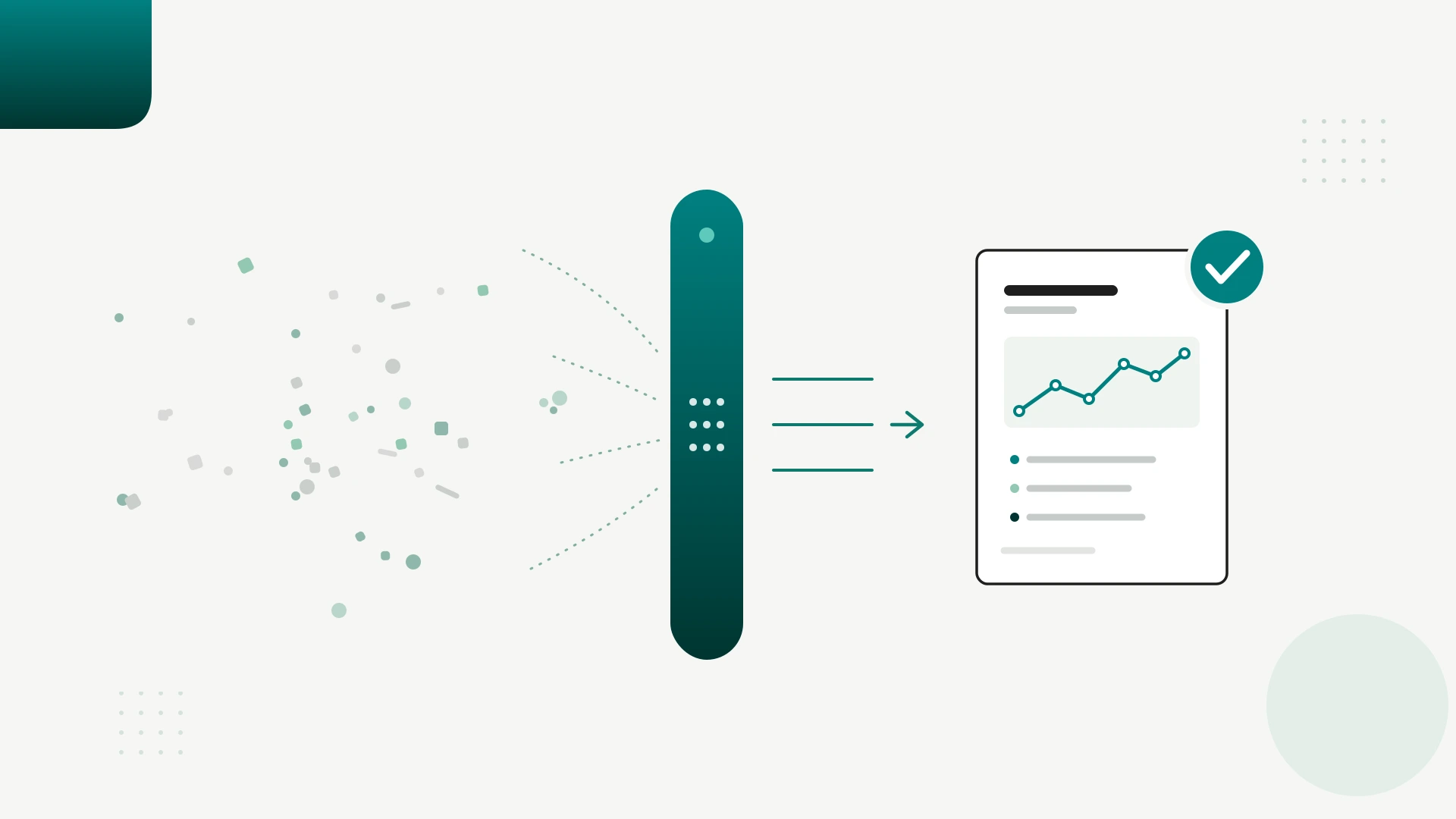
The Claude API handled reasoning. Claude never saw raw exports. It received structured, validated metrics like "Current ROAS: 3.94x, previous 4.38x, change -10.0%, spend +18.2%, revenue +6.4%" plus client context, and drafted the analysis. We also exposed a few tightly scoped tools, like get_previous_period() and get_client_targets(), so the model could pull context without open access to the system.
Supabase and Postgres stored everything people usually call "memory": client configurations, KPI targets, previous reports, account mappings, historical performance. The client's target CPA is a database row. Last month's metrics are database rows. Retrieving exact records beats hoping a model vaguely remembers them.
Railway ran the custom services. It let us deploy production code, wire it to Postgres, and iterate without managing infrastructure that added no client value.
Why n8n over LangGraph? Around 70 to 80 percent of this workflow is deterministic, and n8n is excellent at deterministic orchestration. LangGraph earns its complexity when you have long-running reasoning, repeated tool-use loops, or agents delegating to agents. A weekly reporting run needs none of that. The same logic applies to fully hand-coding the pipeline: possible, but then you maintain every scheduler, queue, and retry yourself for no gain.
This architecture pattern travels well beyond agencies. We run variants of it in our AI automation for e-commerce brands. The same skeleton drives internal reporting in our work with SaaS companies.
The step-by-step build plan
This is the order I'd give any founder starting Monday.
Week 1: Map the manual workflow
Automate nothing. Sit with whoever builds the reports today and document every step, then sort each step into the deterministic, AI, and human buckets. By Friday you want a workflow diagram and one sample report with every input and output defined. That diagram is worth more than any agent code you could write this week.
Week 2: Build the smallest working pipeline
Automate one client. One or two data sources, no more. Something like Google Ads → n8n → Python calculations → Claude → report draft. Keep the prompt simple: here are the verified metrics, targets, and previous period; identify the three most important changes and draft client-facing commentary.
Success by Friday looks like an account manager saying "this isn't perfect, but it would save me real time." For most agencies, this is the MVP, and this is where you stop and evaluate. No memory, no multi-agent setup, no frontend. If the draft isn't useful, fix the workflow or kill the project before spending another month on it.
Week 3: Make the data trustworthy
Spend the entire week on reliability instead of features. Required-field checks, missing-data detection, API error handling, retries, duplicate-run protection, date-range validation, logging, alerts. The rule to implement: if the data isn't trustworthy, Claude doesn't get to see it. If Google Ads says $21,400 in spend and the existing report says $18,200, stop and find out why. Leave the prompt alone.
Week 4: Add client context and guardrails
Create a per-client configuration in Postgres: primary KPIs, target CPA and ROAS, important campaigns, terminology, data sources, formatting. Load it on every run. This beats one enormous universal prompt trying to cover every client scenario.
Tighten the output structure too. Require the top three performance changes, evidence for each, a possible explanation, a recommended action, and a client-facing summary, with every claim grounded in the provided data. Add the human approval step here. The agent drafts. The account manager approves. Nothing reaches a client automatically.
Week 5: Run it beside the humans
This is the stage everyone wants to skip and the stage that taught us the most. Keep the existing process running. Let the agent independently produce its own report each cycle, then compare the two. Different numbers, missed anomalies, invented explanations, strange recommendations, missing context. Every disagreement becomes a bug fix, a validation rule, a client configuration, a prompt improvement, or an accepted human-only edge case.
The question changes at this stage. Instead of "did the agent generate a report," you ask "would I trust this report if nobody told me AI created it."
Week 6: Productionize what survived
Expand gradually: 1 client, then 3, then 5, then 10. Add monitoring for failed workflows, unusually low record counts, missing metrics, and reports waiting too long for review. Then measure the only metric that matters: human hours per report. Two hours down to ten minutes of review is a win. An "AI agent" that still needs 1 hour 45 minutes of babysitting is a failure wearing a demo's clothes.
The failure that doesn't look like a failure
Everyone building these systems worries about hallucination, meaning the model invents a number and someone catches it. After running this in production, that was never the failure mode that scared me most.
The dangerous case was polished output built on bad inputs. When an API returned partial data or an account was mapped incorrectly, Claude could still produce a confident, professional, logically coherent explanation. If spend data came in incomplete, the model might explain beautifully why ROAS improved. The reasoning was sound. The dataset was wrong. And the report looked exactly as trustworthy as a correct one.
That observation changed our engineering priorities. We started treating the input dataset as the product. Before Claude generated a word, the pipeline had to confirm the expected date range arrived, all required accounts were present, spend and revenue and conversion fields were populated, the row count looked normal, and every integration completed. If any check failed, the workflow failed closed, alerted a human, and produced no report at all.
The reliability hierarchy we ended up with: validate the data first, validate the calculations second, evaluate the AI reasoning third. Most tutorials spend nearly all their attention on the third layer. After shipping, I'd tell you the first two matter more, because a good model makes bad data more dangerous by making the result sound convincing.
We hit the ordinary failures too: expired OAuth tokens, changed APIs, disconnected credentials, drifting output style between clients. Retries, alerts, and per-client configuration handled those. Keeping a system healthy after launch is its own discipline, and I've written more about AI ops and ownership as the layer that keeps these systems reliable in production. The philosophy that held everything together was supervised autonomy. The system does the repetitive 90 percent. The human handles the dangerous 10 percent: strange data, attribution questions, business context, and judging whether the AI's explanation actually makes sense.
What the economics look like
For the agency in this build, reporting consumed about 50 hours of team time weekly across roughly 25 clients. After automation, human involvement dropped to about 5 to 7 hours of review and exception handling. At a $30 per hour fully loaded cost, recovering roughly 35 hours per week represents about $54,600 per year in capacity.
The bigger value sits past the payroll math. Those recovered hours went back into strategy, optimization, and client communication, which is the work that retains accounts and grows them. Nobody was fired to get there. I've made the longer case on whether AI agents can really replace your marketing team, and this build is the evidence behind it. The team simply stopped spending Thursday afternoons copying Meta numbers into spreadsheets. You can see how we apply this across everything we automate for operators.
Run the math on your own workflow before building anything: hours spent today, times the cost of that team's time, times frequency. If that number fails to justify the build, automate a different workflow.
Once a team trusts an agent to observe and interpret, the next level is an agent that acts. Our ad ops build for a paid media agency followed exactly that progression, with controlled permissions to flag wasted spend and recommend budget changes. Reporting agents observe and advise. Ops agents observe, decide, and act. Earn trust with the first before attempting the second.
Frequently asked questions about building AI marketing agents
Can I build an AI marketing agent without coding?
You can get surprisingly far with n8n alone, including scheduling, API calls, and an LLM step. Production reliability usually needs some custom code for KPI calculations, normalization, and validation. A hybrid of visual workflows plus small Python or TypeScript services is the practical middle ground.
How long does it take to build an AI marketing agent?
A single-client MVP takes 1 to 2 weeks. A production system serving many clients took us 4 to 6 weeks, and most of that time went to validation, per-client configuration, and running the agent in parallel with the human process.
Which LLM should I use for a marketing reporting agent?
We use the Claude API, and Tech Emulsion is an official Anthropic partner, so I'm open about that preference. More important than the model choice is the architecture around it. Any strong model will underperform if you feed it raw exports and ask it to do the math.
Do AI marketing agents hallucinate numbers?
They will if you make them responsible for numbers. Calculate every metric in code, validate the dataset, and hand the model finished figures to interpret. In our production system, the model never computes a KPI, so a hallucinated metric has no path into a report.
Should the agent send reports directly to clients?
Keep a mandatory human approval step, at least for the first several months. The account manager reviews the draft, adds context, and stays accountable for the recommendation. Clients care about accurate reports and useful insight, and they get a better version of both when review time is spent on judgment instead of data entry.
What should I automate first if reporting isn't my bottleneck?
Pick the workflow that eats the most hours of repetitive, rule-following work each week. The same four-layer pattern applies to lead routing, onboarding checklists, and QA. Software founders tend to start with internal ops for the same reason: high volume, low judgment, easy to verify.
Get a build plan for your agency
If you run an agency and want this system mapped against your own workflows, the fastest path is a short call. We'll walk your reporting process, sort it into the deterministic, AI, and human buckets, and give you an honest read on whether the math justifies the build. Start with how we work with marketing agencies, or book a call directly.